Lab Sudoku Premium is a one-time Google Play purchase, not a subscription. Core Sudoku play, the built-in catalogue, manual puzzle entry, standard appearance choices, and basic solving tools remain available without it.
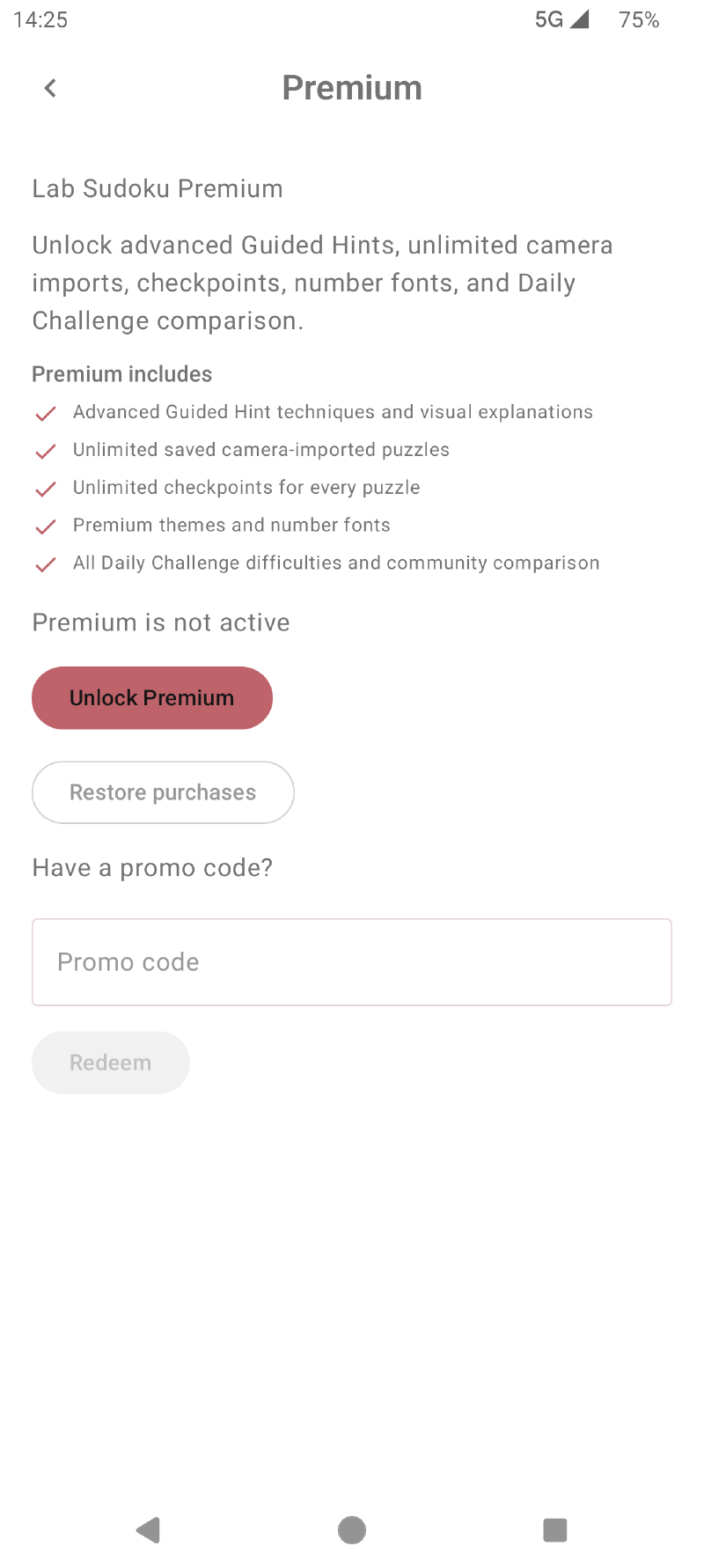
Premium includes#
- advanced Guided Hint techniques with visual explanations;
- unlimited saved camera-imported puzzles;
- unlimited checkpoints for every puzzle;
- Premium colour themes and additional number fonts;
- all Daily Challenge difficulties;
- optional anonymous Daily Challenge community comparisons;
- unlimited puzzle bookmarks.
Free players can still use Guided Hints for Naked Singles and Hidden Singles, save up to ten camera-imported puzzles, keep two checkpoints per puzzle, bookmark up to ten puzzles, and select one Daily difficulty each day.
Unlock Premium#
Open Settings, choose Premium, and select Unlock Premium. Google Play shows the current local price and handles the purchase. Once verified, the Premium status appears in the app and the additional features become available.
An internet connection may be needed when purchasing or refreshing entitlement status.
Restore a purchase#
If you reinstall Lab Sudoku or move to another Android device, sign in to Google Play with the account that owns the purchase. Open Settings → Premium and choose Restore Purchases.
Lab Sudoku asks Google Play for the owned non-consumable purchase and verifies it again. If no active purchase is found, confirm that the device is using the same Google Play account and that it can connect to Google Play, then retry.
Daily comparison privacy#
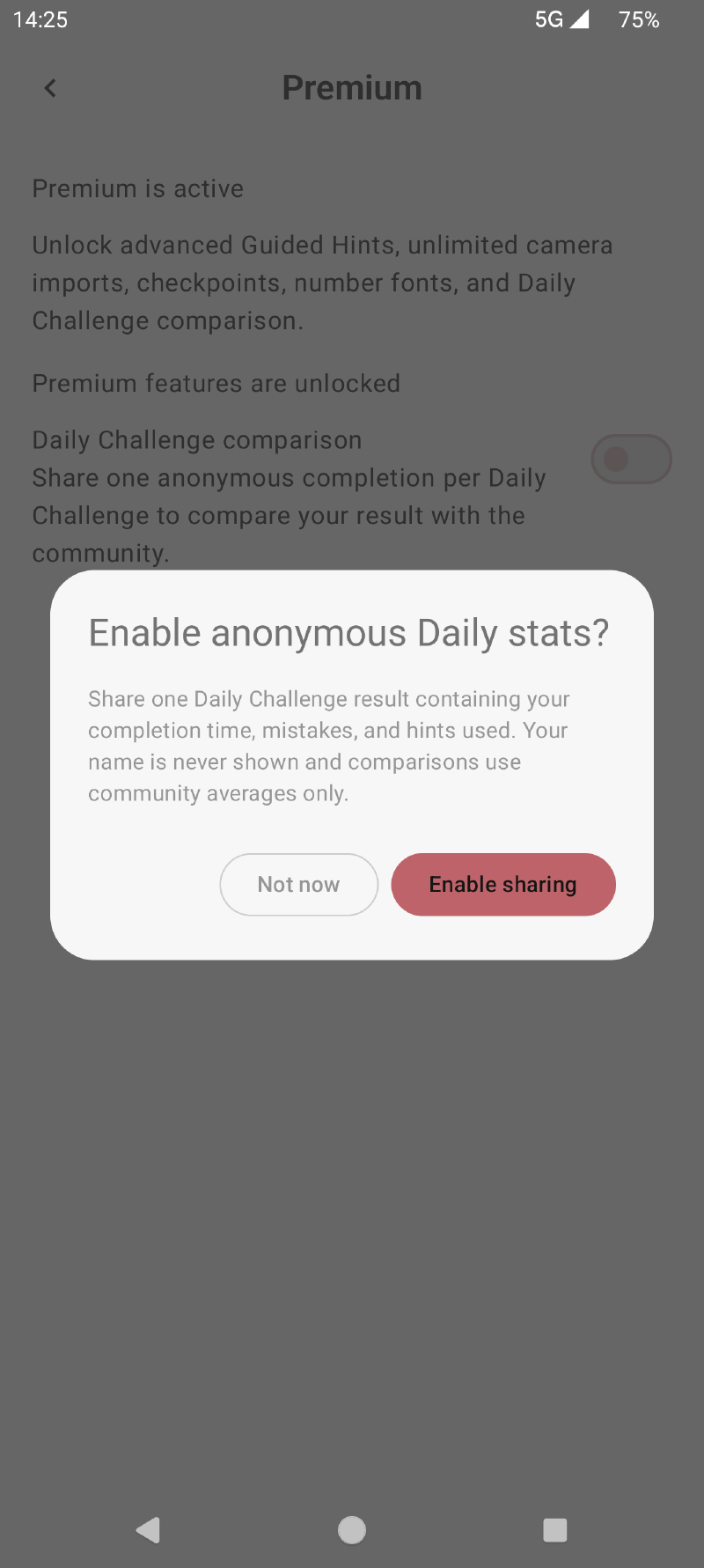
Community comparison is optional. If enabled, one result per completed Daily Challenge is shared with completion time, mistakes, and hints used. Your name is never displayed, and the app reports community averages rather than a public identity or leaderboard profile.
For details about other app data and services, read the Lab Sudoku Privacy Policy.