The aim of Sudoku is to fill every empty cell with a digit from 1 to 9 so that each row, each column, and each 3×3 box contains every digit once. The starting digits are fixed; everything else is solved through logic.
Start or continue a puzzle#
From Home, choose one of five difficulty levels: Simple, Easy, Medium, Expert, or Diabolical. Lab Sudoku saves your progress, so an unfinished puzzle can be continued later.
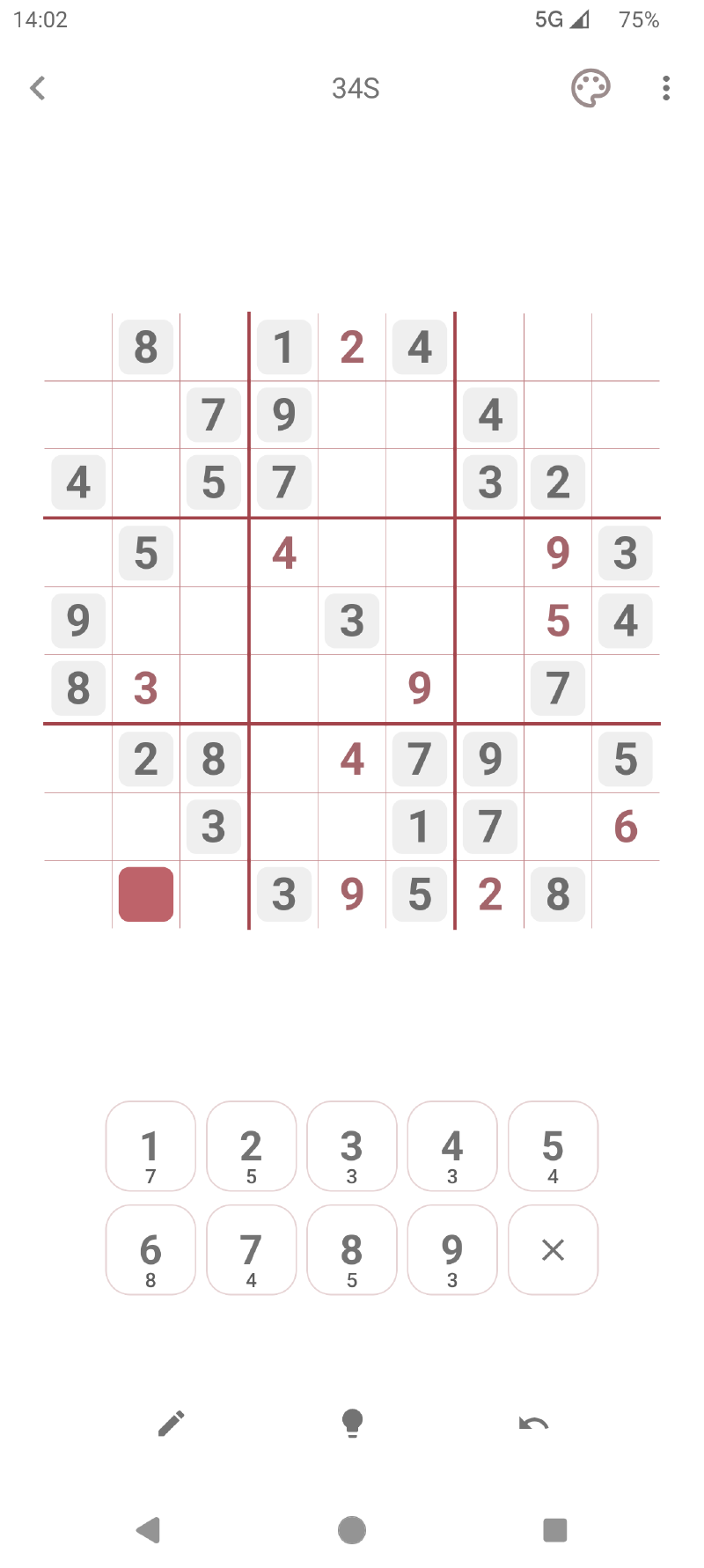
Select a cell and tap a number to enter it. The board can highlight related cells and matching digits according to your settings. If mistake highlighting is enabled, an incorrect entry is identified as you play.
Use candidates#
Candidate mode records the digits that might fit in a cell without committing to an answer. This is especially useful when a puzzle cannot yet be solved with direct placements.
Auto Candidates can populate missing candidates for the current board. The automatic candidate-removal setting controls whether candidates made impossible by a placed digit are removed for you or left for you to manage.
Correct and check your work#
- Undo and Redo move backward or forward through recent changes.
- Validate checks the current board.
- Restart returns the puzzle to its starting state after confirmation.
- Reveal Digit fills an answer when you want direct help; completed-game statistics track reveals.
- Guided Hint looks for a logical next step and explains the pattern instead of simply revealing a digit.
Save a checkpoint#
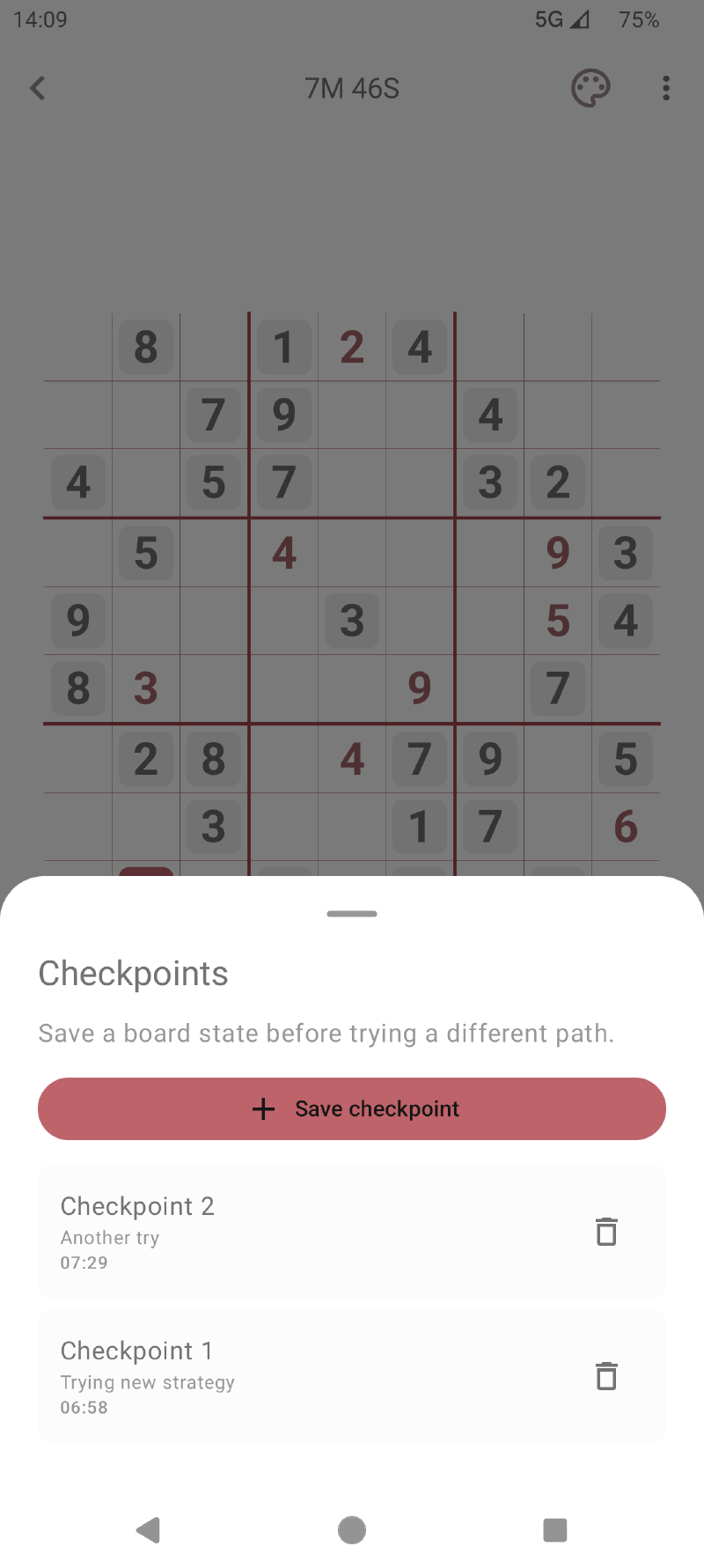
A checkpoint captures the current board before you test a difficult branch. Open Checkpoints, give the position a title and optional description, then restore it later if the branch does not work.
Restoring a checkpoint replaces the current board state, so save another checkpoint first if you want to preserve both paths. Free play includes up to two checkpoints per puzzle; Premium removes that limit.
Finish and review#
When the grid is complete and valid, Lab Sudoku records the solve. The completion summary can include time, mistakes, hints, and reveals. These results feed the Statistics area so you can compare difficulties and watch your progress.
For help with the reasoning itself, continue with Guided Hints and Techniques.