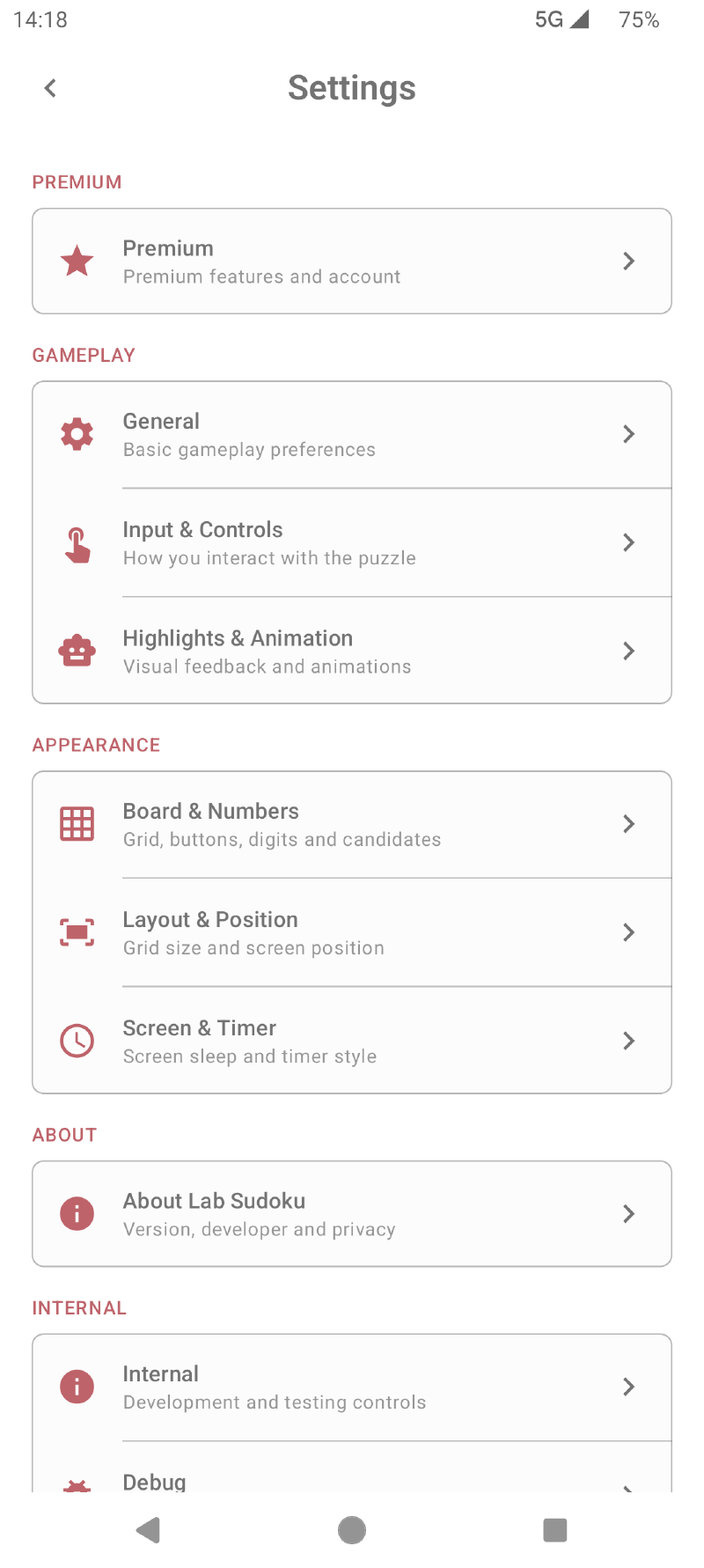
Lab Sudoku separates its settings into focused groups, with live previews where appearance choices need visual comparison. Open Settings to make the board comfortable for your screen, eyesight, and playing style.
Board appearance#
Choose a grid style—including full, short-line, open, and open-short treatments—and select square, rounded, or circular cell shapes. Box colouring can further distinguish the 3×3 regions.
Colour themes include light, dark, and AMOLED-oriented choices. Premium adds more themes, while previews let you inspect a Premium theme before choosing whether to unlock it.
Numbers and candidates#
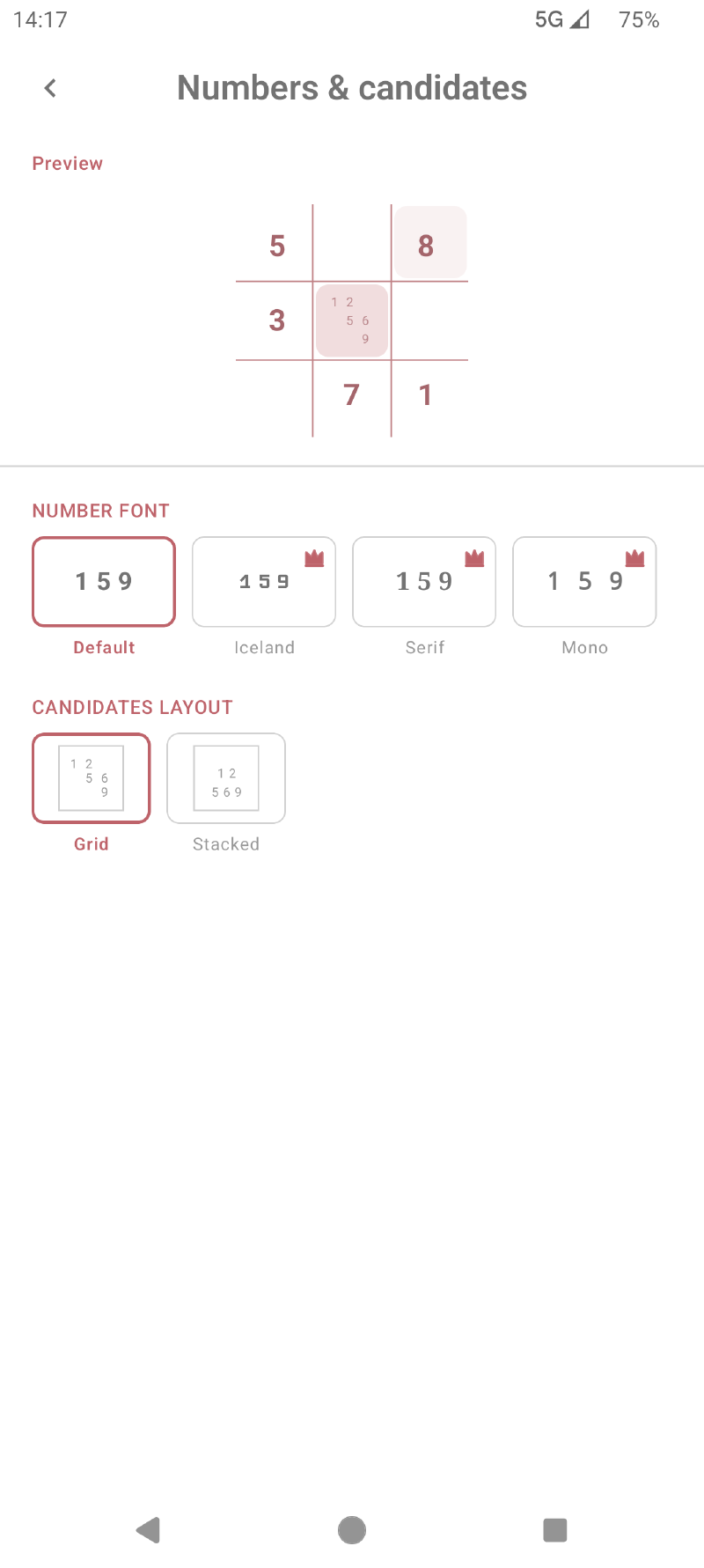
Choose the number font and candidate layout that you find easiest to read. The default number font is available to everyone; additional fonts are included with Premium.
Number buttons can be plain or display distribution or count-left information. You can arrange all digits in one horizontal row or split them across two rows.
Input and controls#
Configure how the board responds to you:
- double-tap or long-press to clear a cell;
- automatic removal of candidates invalidated by a placed number;
- stylus hover highlighting for the row and column beneath a supported stylus.
Highlights and animation#
Choose the highlight pattern and whether animations are shown. Mistake highlighting can identify incorrect numbers immediately or remain off for a stricter pencil-and-paper experience.
Layout and position#
Use pinch gestures to resize the grid and press-and-drag to reposition it. This is useful on larger screens or when you want the number controls closer to one hand.
Screen and timer#
Control screen sleep, full-screen behavior, and timer presentation. Timer styles include none, compact, long, and digital, so elapsed time can be prominent, subtle, or hidden.
Changes are remembered for future puzzles. If a combination becomes uncomfortable, return to its settings group and use the reset option.