Insights turn the transactions recorded in Budgie into summaries and charts. Open Insights, choose a period, and move between the available pages. You can customise which pages are shown and change their order.
Choose the period first#
The selected period controls the transactions used throughout Insights. Depending on the view, you can examine day, month, year, fiscal-year, or all-time ranges. When comparing charts, confirm that they use the same period.
Transfers are generally separated from ordinary income and expenses so that moving money between your own accounts does not look like new income or spending.
Summary#
Summary groups key measures into areas such as:
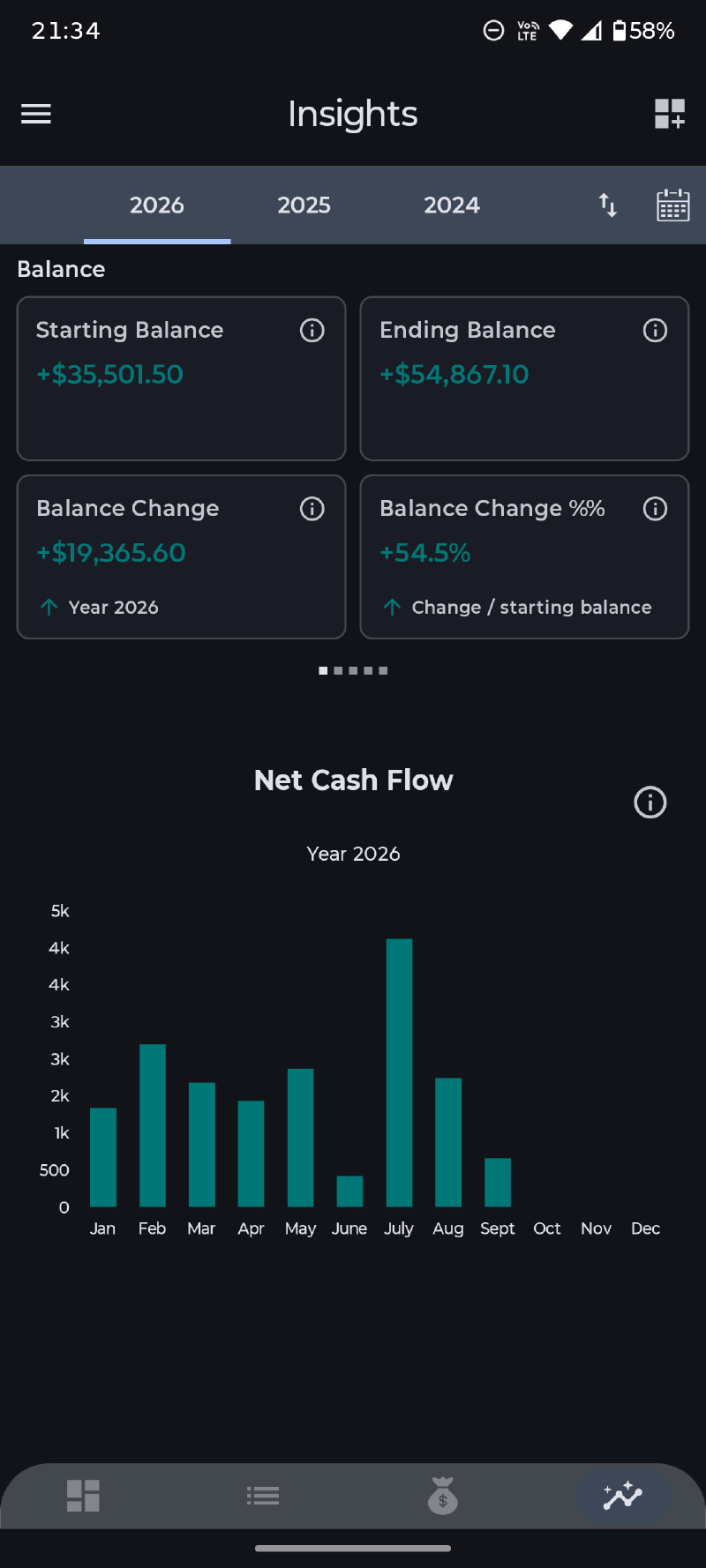
- starting balance, ending balance, and balance change;
- total income, total expenses, and net cash flow;
- saving rate and expense-to-income ratio;
- transaction counts and average transaction values;
- median and largest expenses;
- top-category concentration and period-over-period change;
- projected end-of-period cash flow where available.
Cash flow and spending pace#
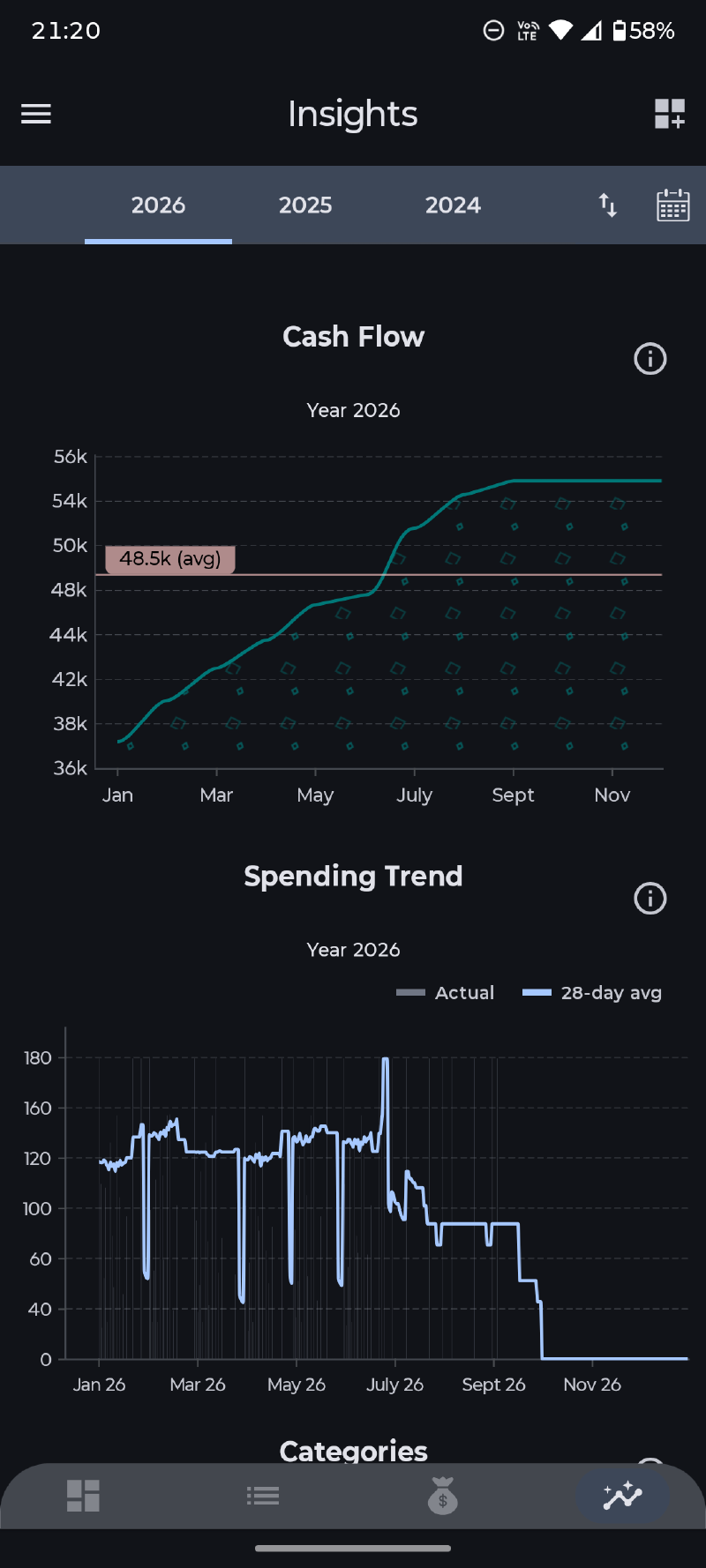
Cash Flow compares income, expenses, and the resulting saving or loss. Net Cash Flow shows the difference for each period: positive bars mean income exceeded expenses, while negative bars mean expenses were higher.
Spending Trend plots actual daily spending as bars and a rolling 28-day average as a line. The moving average may use earlier days as context, while still following the period selected in Insights.
Where money comes from and goes#
Breakdown pages group income or expenses by:
- category;
- payee;
- account;
- tag;
- day of the week.
Use the income and expense controls where provided. These views answer different questions: category describes purpose, payee identifies who was involved, account shows where activity occurred, and tags compare your own cross-cutting labels.
Transaction size#
The Transaction Size view groups expenses into amount ranges. Bars show total spending in each bucket, while the line shows how many transactions fall into it. This helps distinguish frequent smaller purchases from fewer large expenses.
Improving the picture#
Insights are only as complete as the ledger behind them. Use consistent categories and currencies, link transfers correctly, and assign payees or tags when those breakdowns matter to you. See Organising Your Data for practical guidance.